
One place for the record you keep rebuilding in your head.
Equalora helps you keep texts, screenshots, PDFs, deadlines, school emails, ChatGPT drafts, evidence notes, timelines, forms, and prep work connected in one review-first case file.
Educational and organizational software, not legal advice. Review-first by design.
From nine places that hate each other to one reviewable case file.
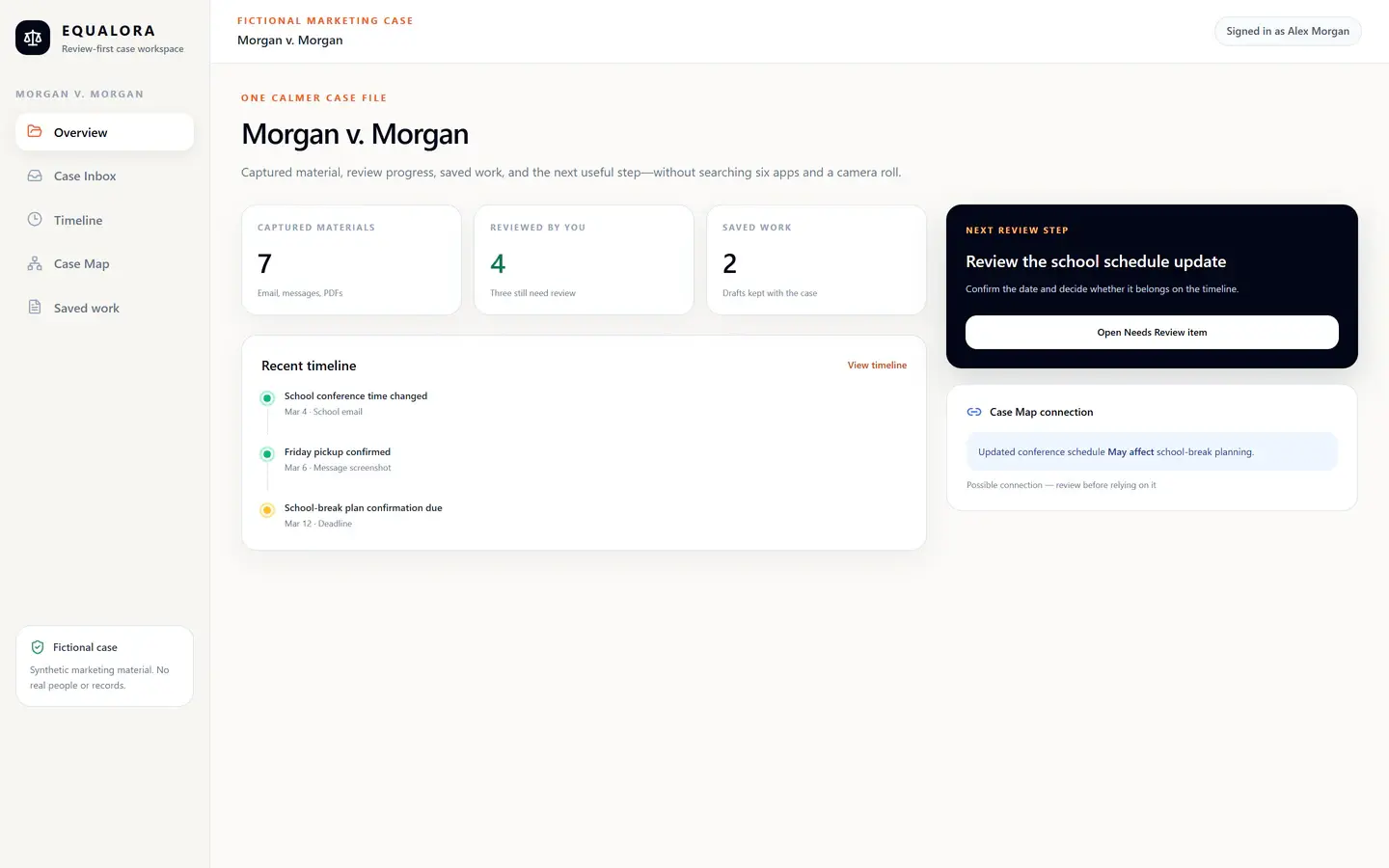
Your case is probably not missing. It is scattered across nine places that hate each other.
Your camera roll was not built to be an exhibit binder. Your notes app should not be carrying a custody case on its back. If you have to say, 'I know it is somewhere,' the file is already fighting you.
Give the mess a home before it becomes another search spiral.
The case file is the connected layer beneath the tools: intake, documents, timeline, map, filing prep, and hearing prep all point back to the same record.
How it helps
Case Inbox
Where messy messages, notes, screenshot text, emails, and ChatGPT drafts land for review.
Documents
Where PDFs, school records, court notices, and other files stay easier to find and review.
Timeline Packet
Where dated events become a user-selected story you review before exporting or sharing.
Case Map
Where saved materials and open issues become easier to see without turning the map into legal strategy.
Forms & Filing Prep
Where paperwork-related facts, dates, documents, drafts, and questions get organized for official-source review.
Hearing Prep
Where prep starts from the case file instead of panic, memory, and one very tired tab bar.
The tools are stronger when they share the same record.
Case Inbox, Timeline Packet, Case Map, Filing Prep, and Hearing Prep are not separate junk drawers. They are ways to organize and review the same family court case file from different angles.
Review-first boundaries
Educational and organizational software, not legal advice. Review-first by design. Nothing filed automatically.
Build the case file before the case asks for it.
Add a message, document, deadline, screenshot, form question, or ChatGPT draft. Equalora helps the record take shape from there.