How Equalora fits into your case
Equalora is a preparation system for family court. It helps you keep orders, deadlines, documents, and notes in one place — then turns that information into clear next steps, a clean timeline, and court-appropriate communication. The goal is simple: fewer missed details, less procedural conflict, and a steadier way to prepare.
- Create a case, add the basics, and see your next deadlines.
- Upload your first order or PDF and make it readable with OCR + summary.
- Draft one calm, court-ready message using a simple template.
What this system is — and isn’t
- A practical workspace to organize a family court case.
- A way to reduce chaos by making plans, timelines, and expectations explicit.
- Tools to store documents, track deadlines, and prepare calmly.
- Practice support for short, factual, judge-friendly communication.
- A controlled way to loop in up to 3 trusted supporters (Team Access).
- Not a law firm.
- Not legal advice.
- Not outcome predictions.
- Not a tool for escalating conflict.
- Not a replacement for local court rules or procedures.
Educational only — not legal advice. For legal advice, consult a licensed attorney or your court’s self-help center.
The core workflow
Most custody conflict isn’t personal — it’s procedural. Equalora helps you build a clean, repeatable workflow so you can prepare without scrambling.
1) Add your case
Create a case and capture the basics: court, children, the current orders, and key issues. This becomes the anchor for everything else.
2) Upload orders & documents
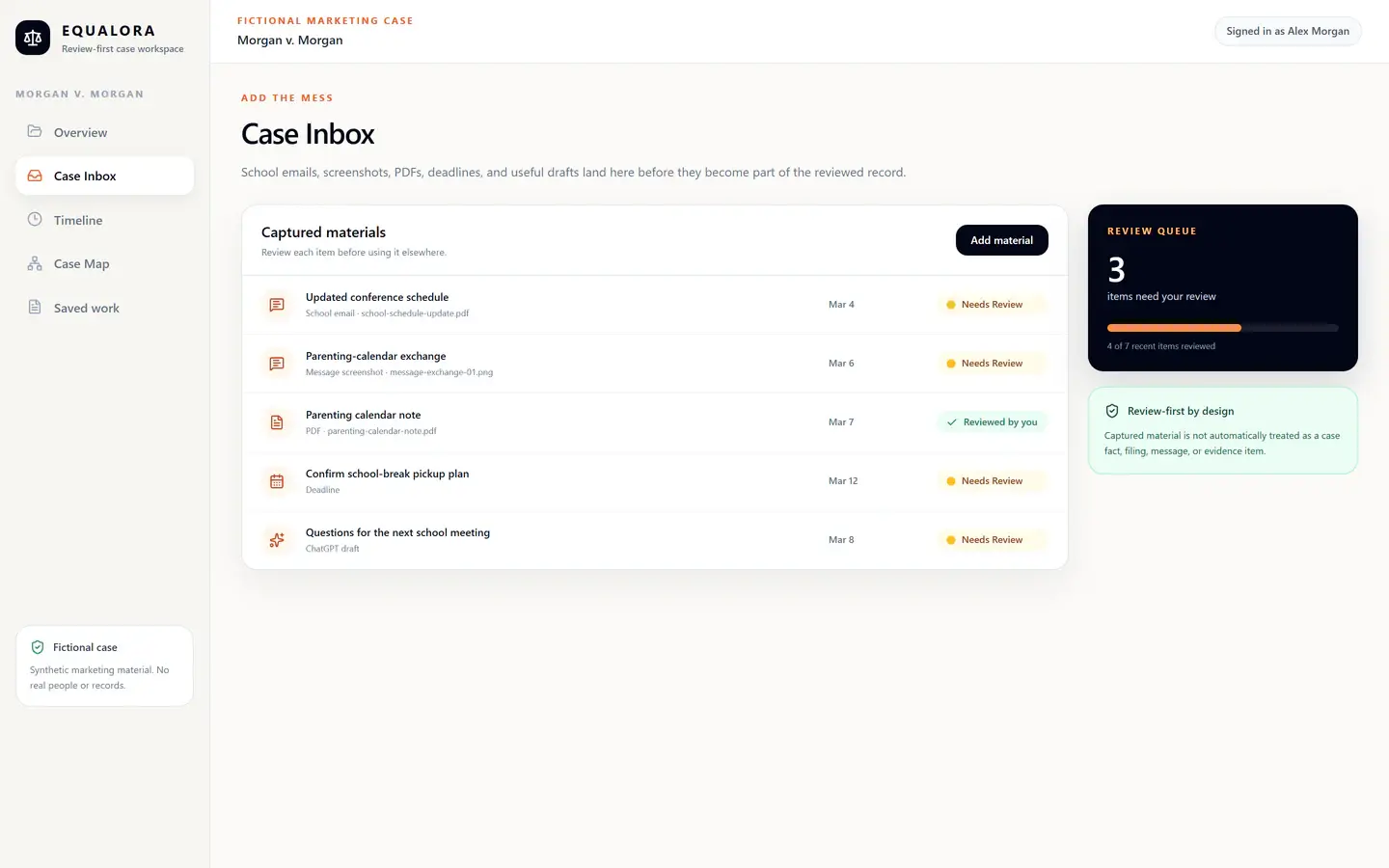
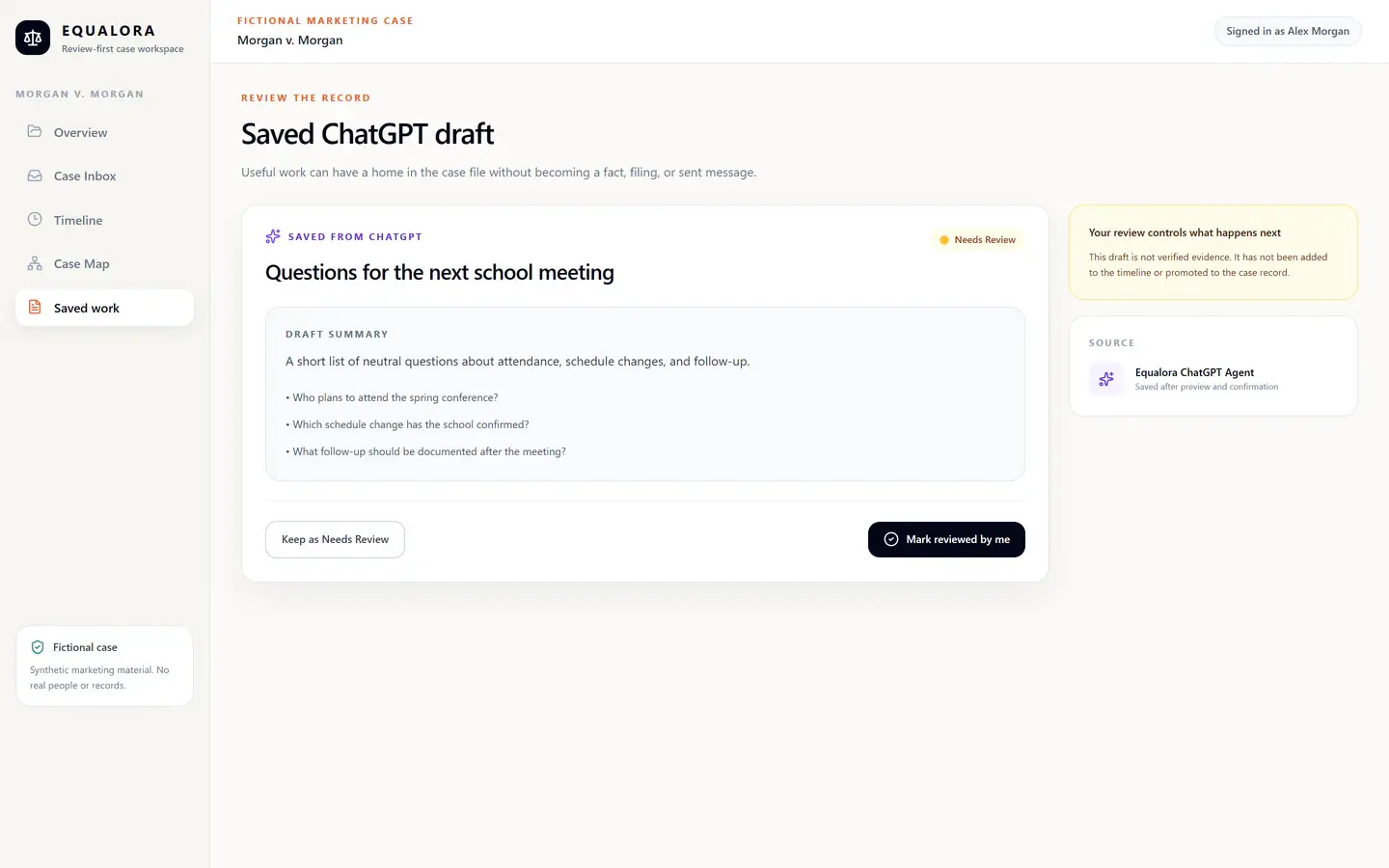
Store orders, filings, messages, and records in one place so they don’t disappear inside email threads, texts, or screenshots.
3) Track deadlines & hearings
See what’s due and what’s next — early — so you can prepare in steps instead of reacting at the last minute.
Key tools inside Equalora
Case dashboard
A single view of what matters right now: orders, deadlines, documents, and recent activity. Instead of hunting, you get a clear snapshot of your case.
Deadlines & reminders
Visible deadlines and preparation windows help reduce missed filings and surprise court dates. You can see what’s coming, what’s past due, and what needs attention next.
Document organizer
Upload orders, filings, messages, and records and group them by issue, hearing, or time period. Find what you need quickly — without dumping hundreds of pages at once.
Equalora can run OCR on scanned documents and generate quick summaries so dense PDFs become readable and usable.
Court Lens™ Deep Review
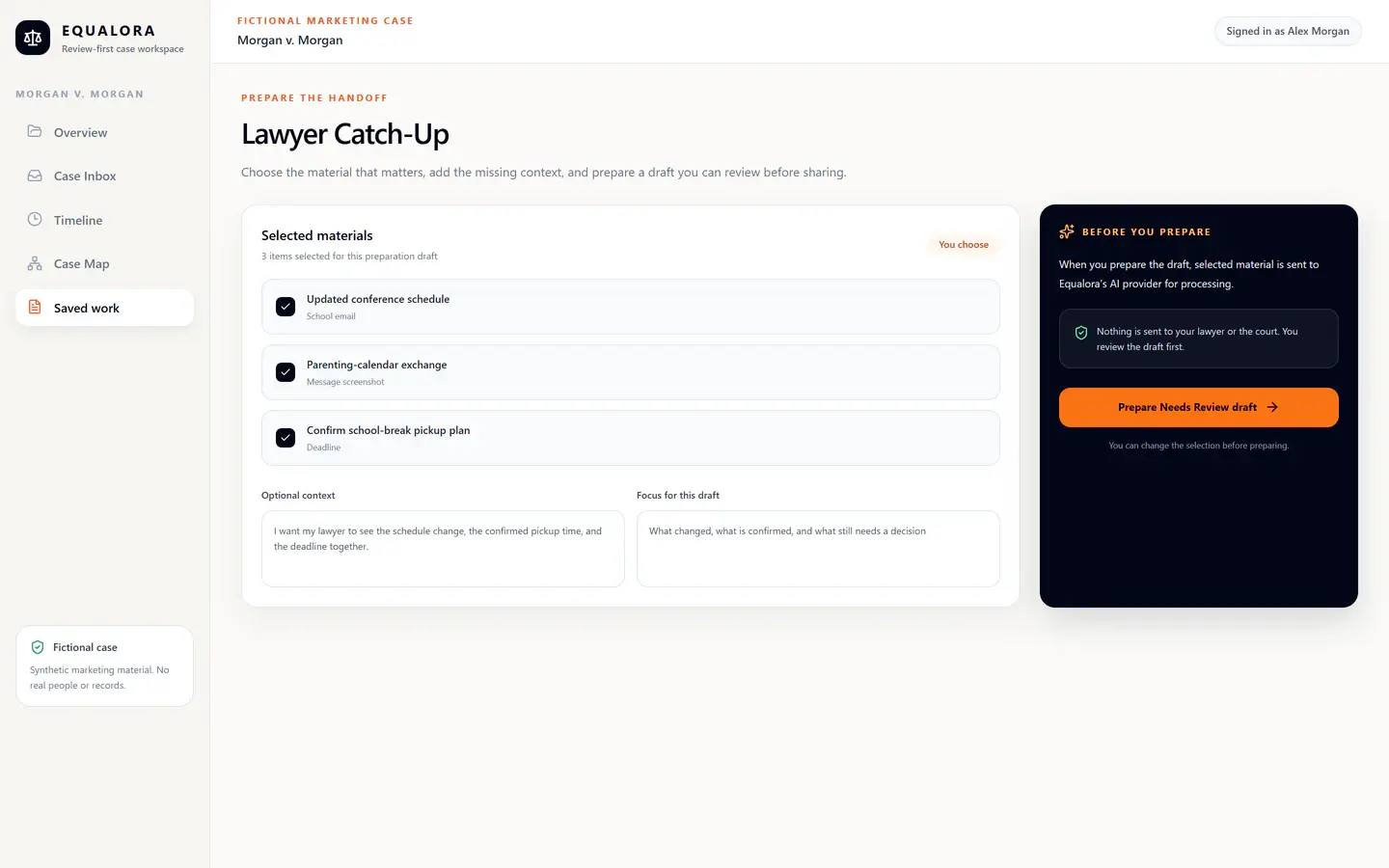
A focused review that pulls out judge-friendly key points, issues to clarify, and questions to consider — so you can think more clearly before you draft, respond, or prepare for a hearing.
Educational only — not legal advice. You stay in control of what you believe, write, and file.
Judge Simulator
Practice short, factual answers before you walk into court. The Judge Simulator asks judge-style questions so you can rehearse clear responses instead of rambling under stress.
The focus is credibility and child impact: facts, proof, and the specific orders you’re requesting — in plain language. Educational only, not legal advice.
Parenting Plan Wizard
Build a clear parenting plan that reduces avoidable conflict by defining schedules, holidays, exchanges, communication rules, and “what happens if” scenarios (defaults).
Educational only — not legal advice. The goal is predictability, not control.
Workflows & checklists
Step-by-step flows for common situations — preparing for a hearing, organizing evidence, working through forms — so you’re not inventing process during high-stress moments.
Team Access (Phase 1 – read-only + comments)
Invite up to three trusted people (coach, mentor, mediator, therapist, or friend) into a single case. They get a read-only view plus a focused Team comments panel to help you stay organized and child-focused.
Only the case owner controls invites and removals. Collaborators can’t see billing, export all data, or control your account. Educational only — not legal advice.
Team Access: bring a small support team into your case
Many parents are “self-represented” but not truly alone. If you have a coach, mentor, therapist, mediator, or trusted friend helping you think through decisions, Team Access gives you one shared, controlled workspace — with clear limits and you still in charge.
- Details split across texts, emails, screenshots, and notes.
- Support people only see partial information.
- You repeat the same background over and over.
- Misunderstandings grow because no one sees the full picture.
- A single dashboard with documents, deadlines, and key issues.
- Up to three invited supporters with read-only access.
- A focused Team comments panel (not a noisy chat room).
- You control invites, removals, and what gets filed.
How Team Access works
- Invite up to three people from the Team tab inside a case.
- The invite link expires in 24 hours and is locked to that email address.
- After acceptance, they see a simplified, read-only view plus Team comments.
- They can comment to help you stay organized — they can’t change your account.
What collaborators can & can’t do
- Can: view case details, write/read Team comments, delete their own comments.
- Can’t: view or change billing, export all data, invite others, or control your account.
- Only the case owner can invite/remove members and manage the case workspace.
- This keeps the space supportive, child-focused, and low-conflict.
Equalora is software, not a law firm. Team Access does not create an attorney–client relationship, and nothing inside the workspace is legal advice. It’s a structured way to stay aligned while you prepare.
What a “calm prep day” looks like
The goal is not doing everything — it’s doing the right things in the right order.
- Check your dashboard for deadlines and upcoming hearings.
- Review new documents with OCR + summaries (and Court Lens if helpful).
- Update your timeline, parenting plan, or evidence notes.
- Practice a few judge-style questions in the Judge Simulator.
- If you have a support person, review Team comments inside the case.
- Log off knowing nothing critical is hiding in your inbox.
If you want the next step
Start with structure. Add clarity. Prepare calmly. Equalora helps reduce avoidable conflict before it turns into filings.
Educational only — not legal advice.