
Put the story in order before memory starts freelancing.
Equalora helps self-represented family-court parents turn screenshots, PDFs, texts, and notes into a dated record with source support, so the case stops living across apps and starts becoming usable.
Start here, then keep building the same case record step by step.
Evidence Timeline turns the pile into a dated record you can actually follow.
Generic chat can summarize a moment. It does not give you a dated spine for the case. Evidence Timeline exists so dates, events, source support, and impact can stay connected inside one reusable file.
Builds a dated record one event at a time so the case becomes easier to follow and easier to update.
Upload a court paper, agreement, notice, email, or record. Equalora can find possible facts, dates, tasks, and deadlines, then lets you approve what gets added.
A scattered pile of screenshots is hard to explain. A timeline makes patterns and source support easier to see.
The record becomes easier to use again later in declarations, calmer communication, and hearing prep.
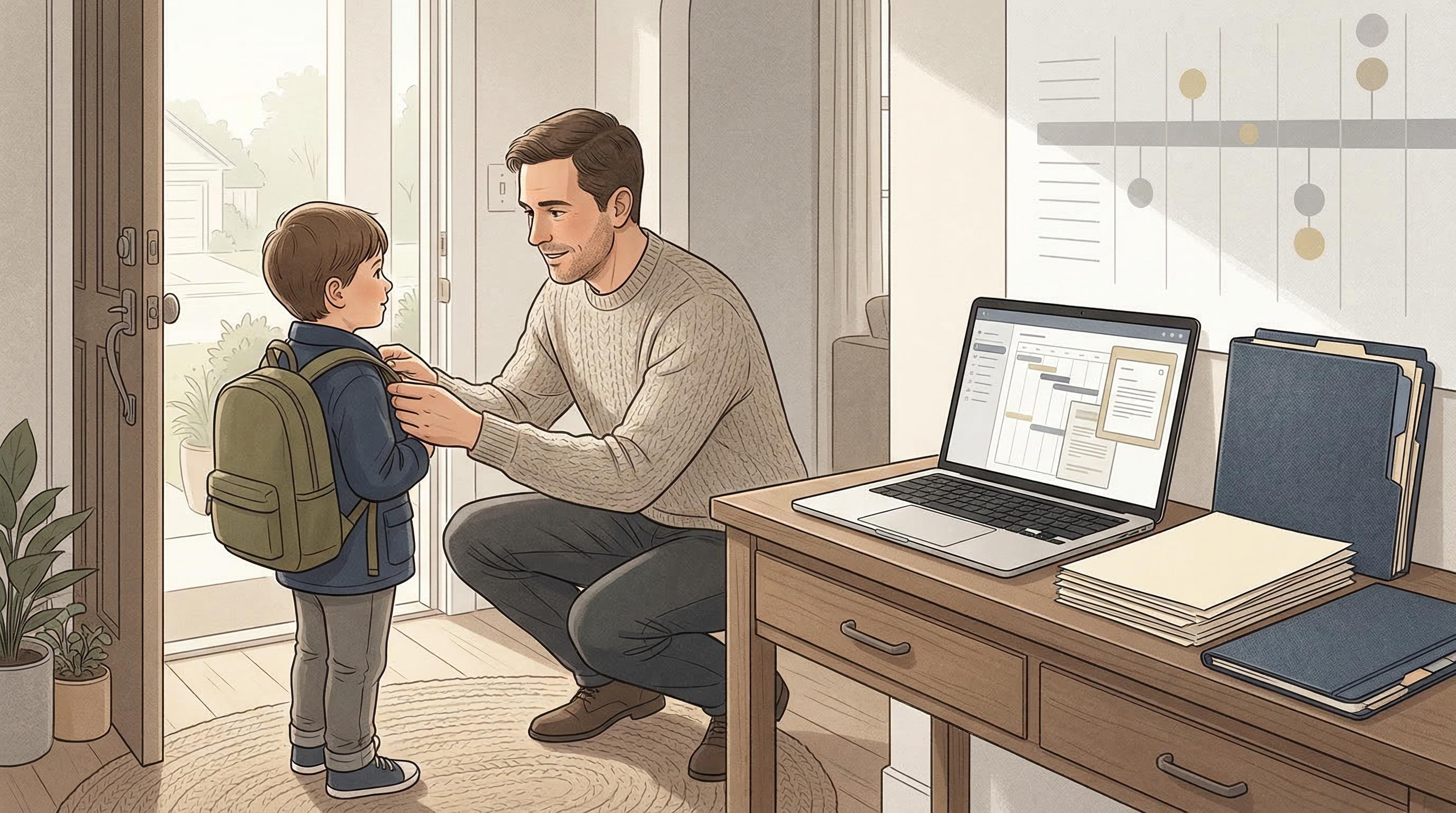
The timeline gets built between pickups, school mornings, and everything else you are already carrying.
Equalora is meant for the real rhythm of a case: one event, one date, source support attached, and a record you can return to without rebuilding the story from memory every time something happens.
A pile of screenshots is not the same thing as a record.
Evidence is easier to work with when it is legible. When the date, event, source, and impact are disconnected, you end up reconstructing the case over and over instead of building from a dated file that compounds.
Build the record one event at a time instead of carrying the whole case in your head.
This becomes especially valuable when you need the record to do more than sit in storage. It should help you spot patterns, support declarations, and make hearing prep less frantic later.
Add the event date and a short neutral title that says what happened, not what you feel about it.
Connect screenshots, PDFs, texts, or notes so the event is tied to something you can review later.
Use the timeline to spot patterns, support declarations, and carry clearer facts into hearing prep.
One event, one date, source attached.
The point is not to write a perfect narrative on day one. The point is to create a record that is clearer than the chaos you are carrying now.
Chat can summarize a moment. Evidence Timeline organizes the record.
Can help describe an event, but it does not keep the date, source support, and evolving pattern connected over time.
Built for family-court recordkeeping: one event, one date, source support, and a file that becomes easier to reuse.
The timeline gets more valuable when it feeds calmer communication, declarations, and hearing prep instead of sitting in isolation.
The timeline matters most when the same kinds of problems keep repeating.
The goal is not a perfect archive. The goal is a record you can actually use.
Start with the most important events first. A dated spine with a few high-value entries is better than trying to sort everything at once.
The timeline helps you separate events, source support, and impact so the clearest parts of the record are easier to see.
Equalora is built to make the record more legible over time. You can start small and improve the structure as you go.
No. Equalora is educational software that helps you organize the record more clearly, not legal advice.
The record gets more valuable when it starts feeding the rest of the case.
Evidence Timeline often becomes the base layer for everything else. Many parents pair it with calmer communication next, then return to it again when declarations and hearing prep need clearer facts.
Calm Communication
Use this next when the facts are real but the message still needs calmer wording before it becomes another screenshot in the record.
Hearing Prep
Use this next when the timeline is taking shape and you need to turn clearer events into calmer hearing answers and support.
Start with one event, one date, and one source.
Evidence Timeline turns a pile of screenshots into a dated record you can actually review and reuse for patterns, declarations, and hearing prep.